
Everything you listen to, in one place
Type a show name to search podcasts from around the world, in Chinese or English. For YouTube channels and videos, Xiaoyuzhou, any RSS feed or the Qiaomu deep-read channels, paste a link and press Enter.
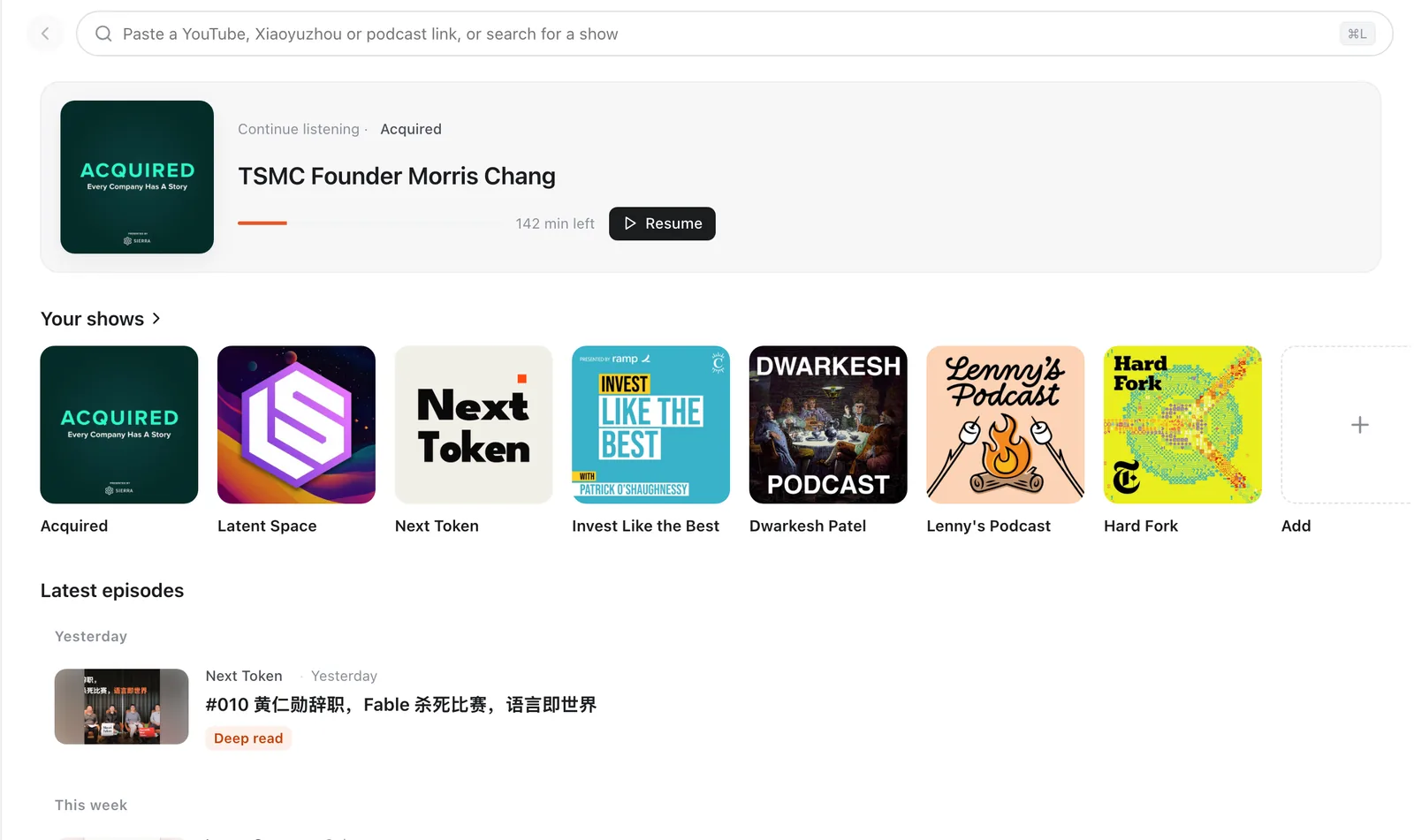
Subscribe to YouTube and podcasts, follow along with bilingual subtitles, then ask, summarize and deep-read with your own AI.
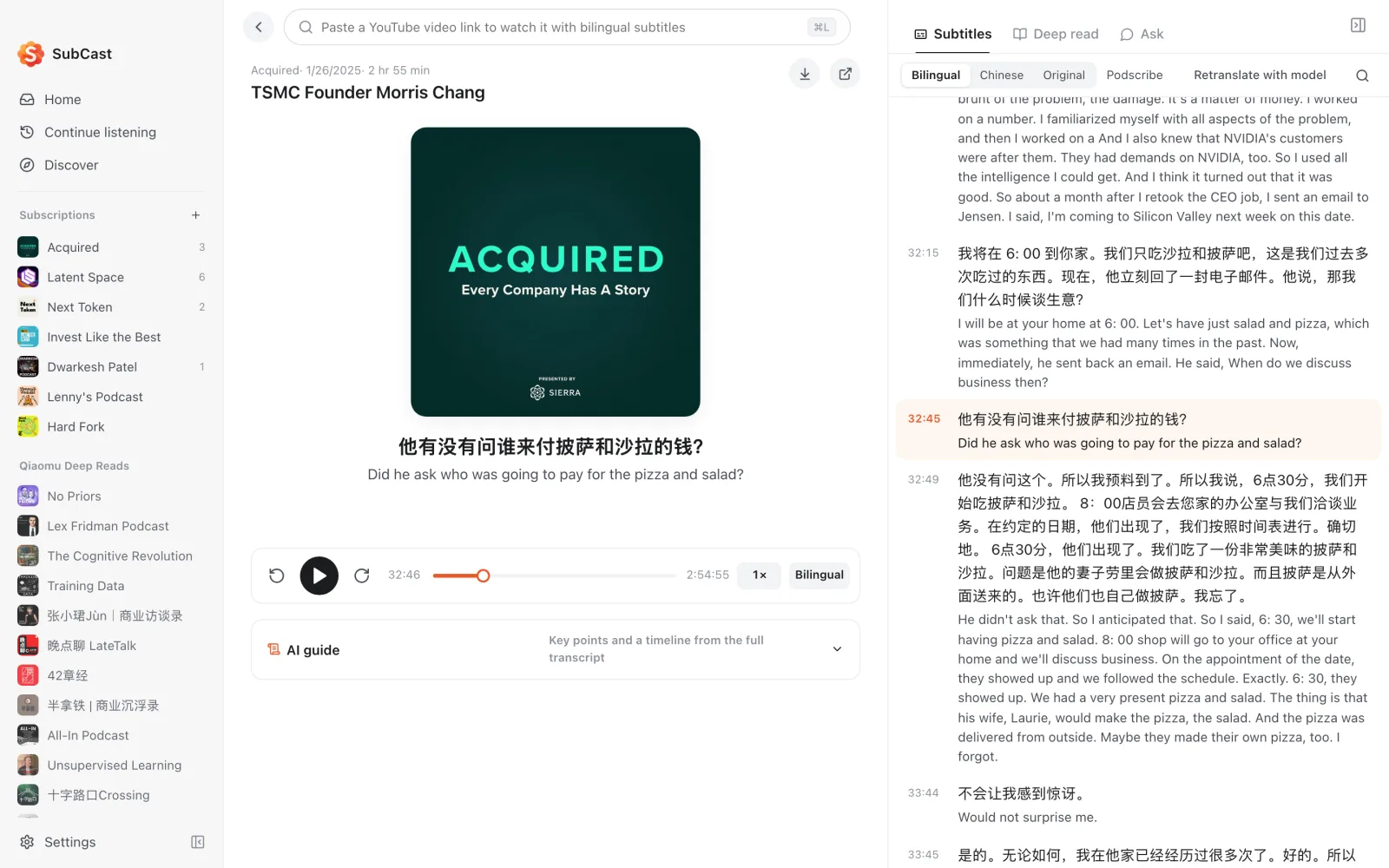
Type a show name to search podcasts from around the world, in Chinese or English. For YouTube channels and videos, Xiaoyuzhou, any RSS feed or the Qiaomu deep-read channels, paste a link and press Enter.
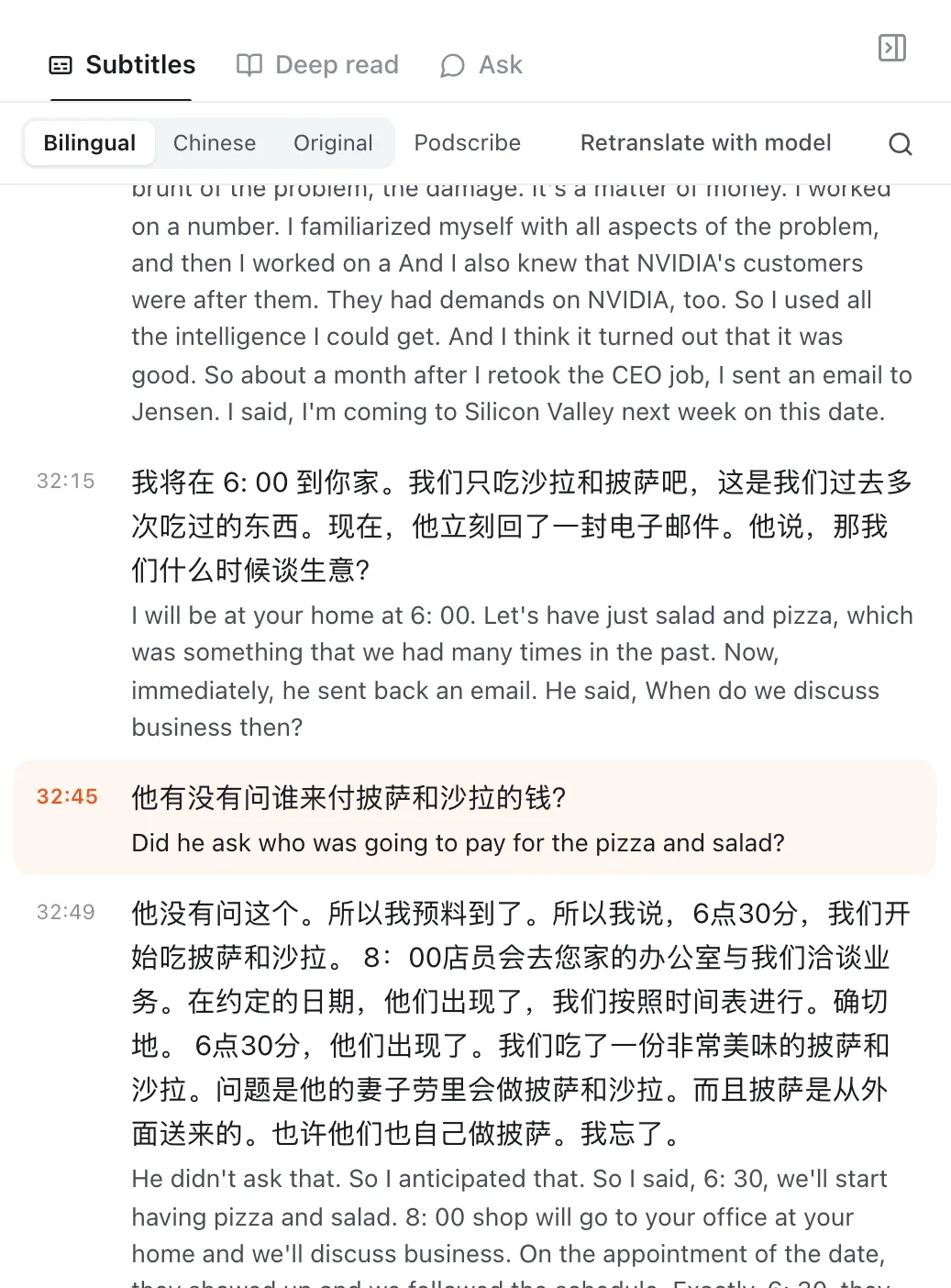
Official captions come first; when there are none, SubCast transcribes on your device. Translation uses free Google Translate by default. The current line is highlighted, a click seeks to it, and ⌘F searches the transcript.
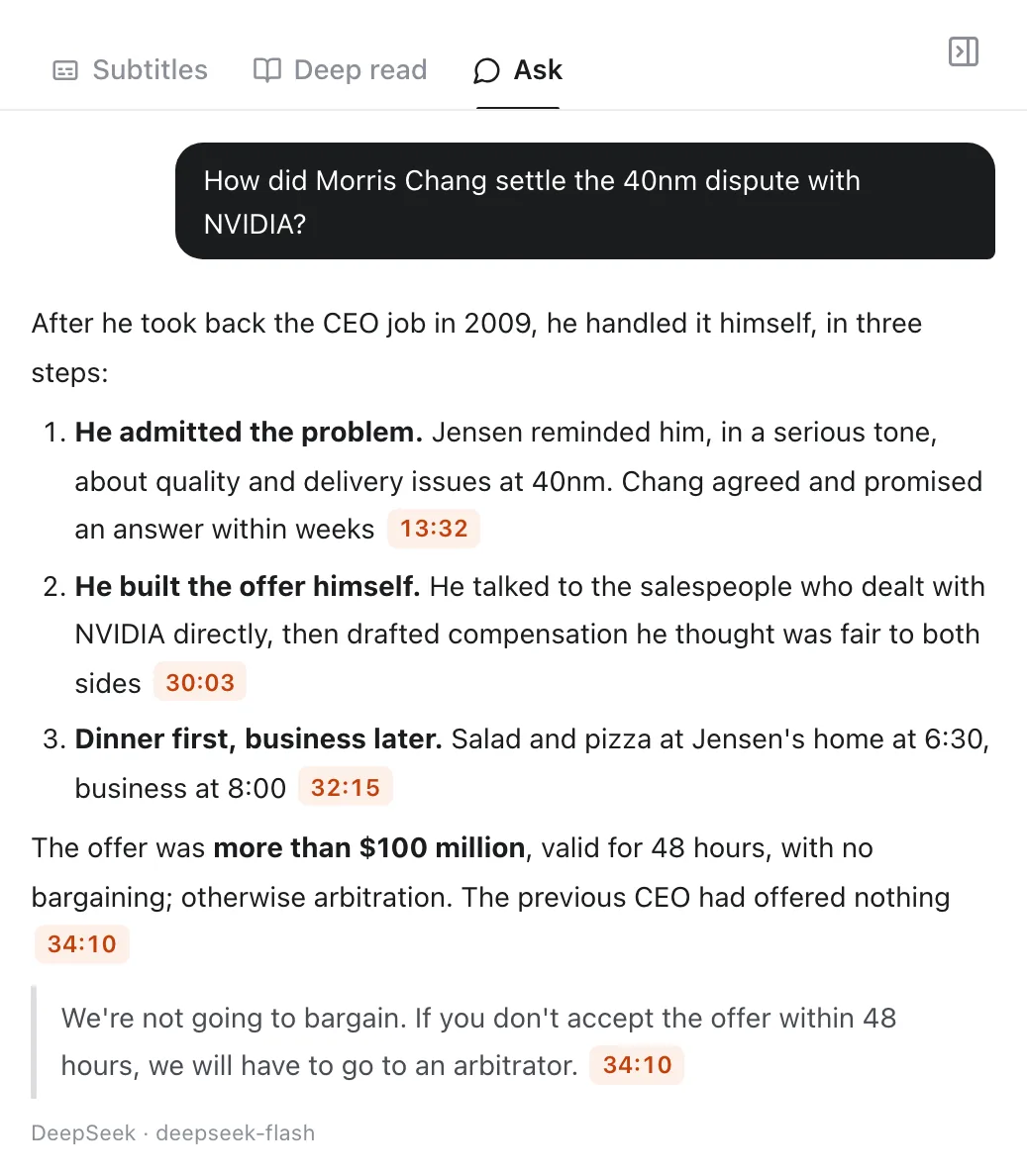
What did this episode say, and where is the good part? Just ask. Timestamps in the answer are clickable and take you back to that second.
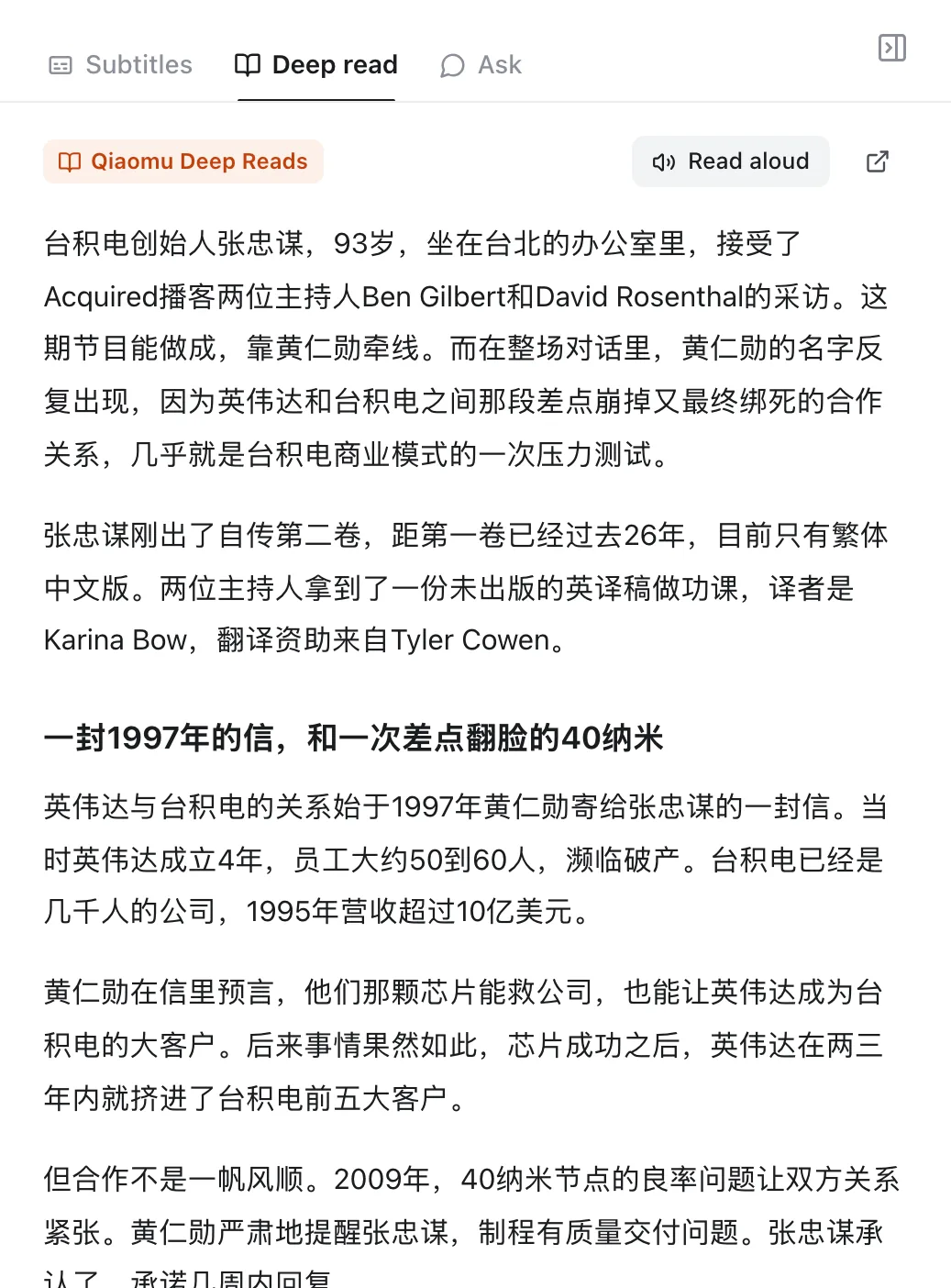
Qiaomu deep reads rewrite a two-hour conversation into a well-structured long read, with text-to-speech for the commute.
About 60 hand-picked shows in AI, business and Chinese podcasting, one click to subscribe.
A one-line summary, a timeline, key points and notable quotes before you press play.
Qwen3-ASR by default, about 1GB. Audio never leaves the machine.
Select a line to copy it with source and timestamp, translate it, or make a quote poster.
Download whole episodes and keep listening and reading without a network.
Simplified Chinese, Traditional Chinese, English and Japanese.
API keys go into the macOS Keychain or Windows Credential Manager, never a plain-text file.
On-device transcription means audio never leaves the machine. Caches, history and downloads stay local.
The code is on GitHub. Issues welcome.
AI chat, translation and cloud transcription send the content they need to the provider you pick, and that provider bills you. Subtitles you transcribe are shared anonymously with other listeners by default, text only, and you can turn that off in settings.
Separate builds for Apple silicon and Intel, signed and notarized by Apple.
A 64-bit installer. When SmartScreen warns, choose "More info", then "Run anyway".
AppImage and deb packages on the GitHub release page.
Yes: free, open source, MIT license. AI chat, guides and translation use your own model key, billed by the provider you pick. Without a key you can still subscribe, play and read existing subtitles and deep reads.
Translation uses free Google Translate by default. For chat and guides, DeepSeek is the recommended model and costs roughly one jiao (about a US cent) per long episode. You can also point SubCast at local models in Ollama or LM Studio and pay nothing at all.
API keys live in the system keychain. With on-device transcription, audio never leaves the machine. Cloud transcription, AI chat and translation send the audio or text they need to the provider you choose. Subtitles you transcribe are shared anonymously with a public library by default, text only, and you can turn that off (see the next question). Play history and downloads stay on your machine.
Podcasts, Xiaoyuzhou and the Qiaomu deep reads work directly. YouTube needs a proxy, or any network that can reach YouTube. When Google Translate is unreachable, the app falls back to a domestic relay automatically.
The Windows installer has no paid code signature, so SmartScreen shows a warning. Choose "More info", then "Run anyway". The macOS build is signed and notarized by Apple and shows no such warning.